User Management & Access Control
Dawiso simplifies user roles, permissions, and access governance so teams collaborate securely without slowing down. Step-by-step video tutorials included.
About this lesson
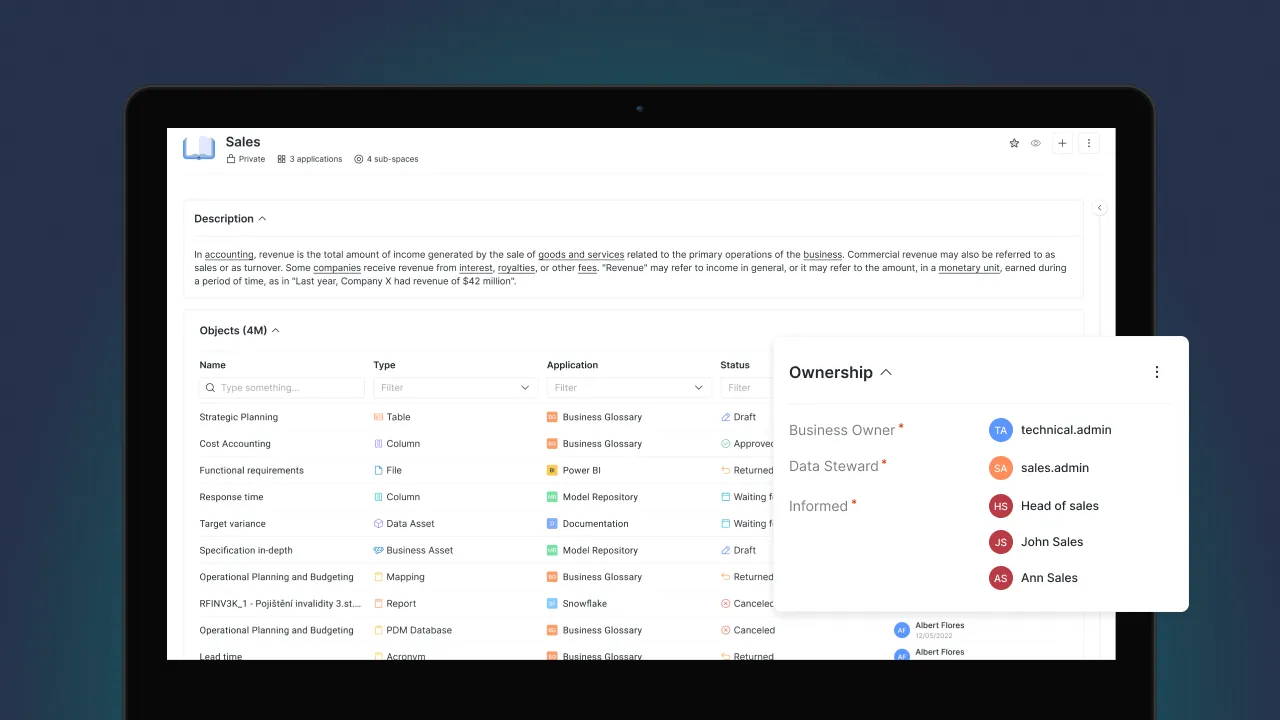
Access control in a catalog pulls in two directions. Lock it down and the documentation stops being read, which defeats the point of writing it. Leave it open and sensitive metadata reaches people who should not see it. Dawiso resolves this with roles that separate reading from contributing from administering, applied at whichever level fits: a whole space, a single object, a group or one person. Connecting an identity provider then means joiners and leavers are handled where they are already handled, rather than in a second list that drifts.
Who it is for. Administrators, and governance leads answering who can see or change what.
Points to cover
- How Viewer, Contributor, and Admin roles work
- Manage permissions at space, object, group, and user level
- Automate access control with identity provider integrations
What you will be able to do
- Choose between Viewer, Contributor and Admin for a given person
- Apply permissions at space, object, group or user level as the situation needs
- Automate provisioning through an identity provider instead of maintaining users by hand
Go deeper
Deployment options, single sign-on and the security posture behind these controls. Enterprise Deployment