Category:
Dawiso Features

Navigation and Search in Dawiso

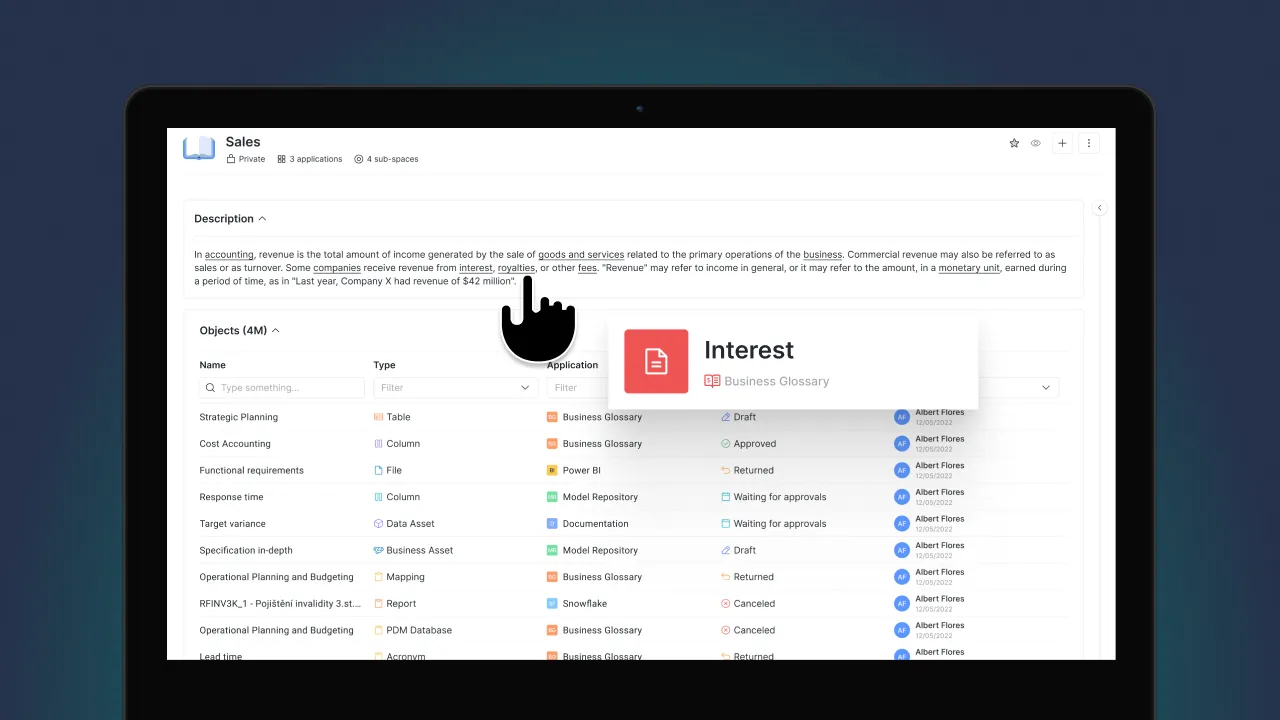
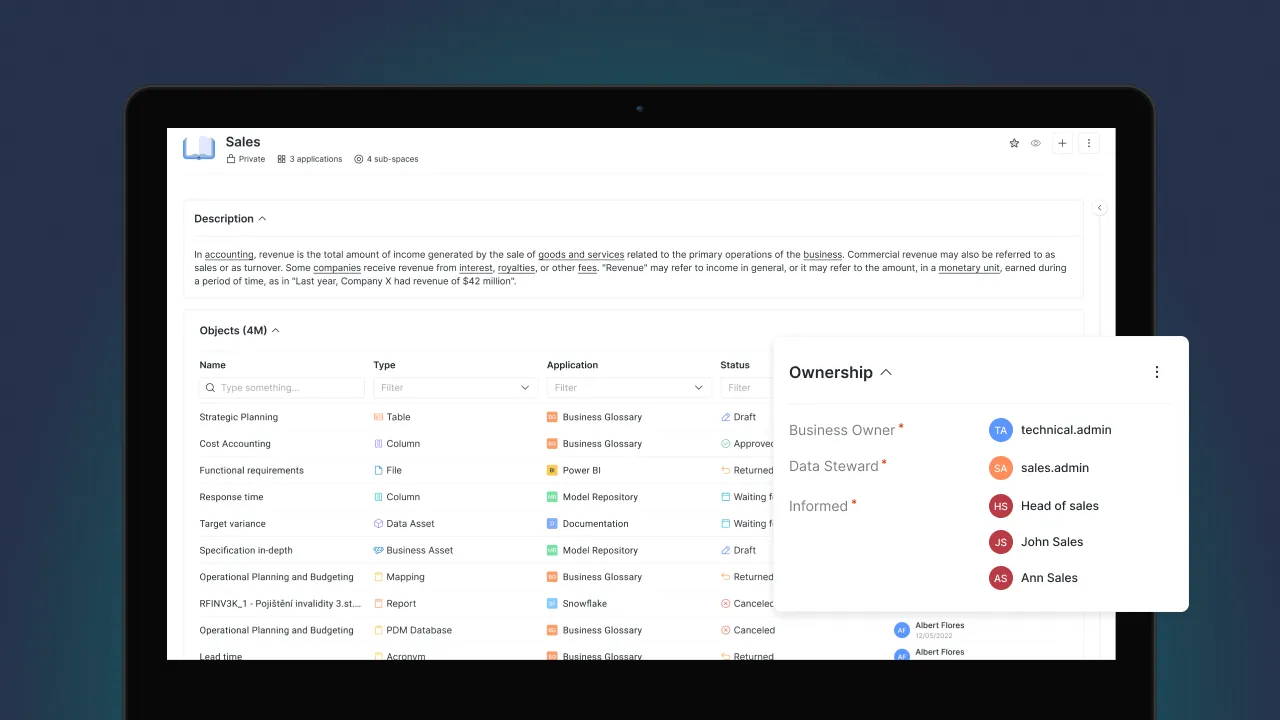
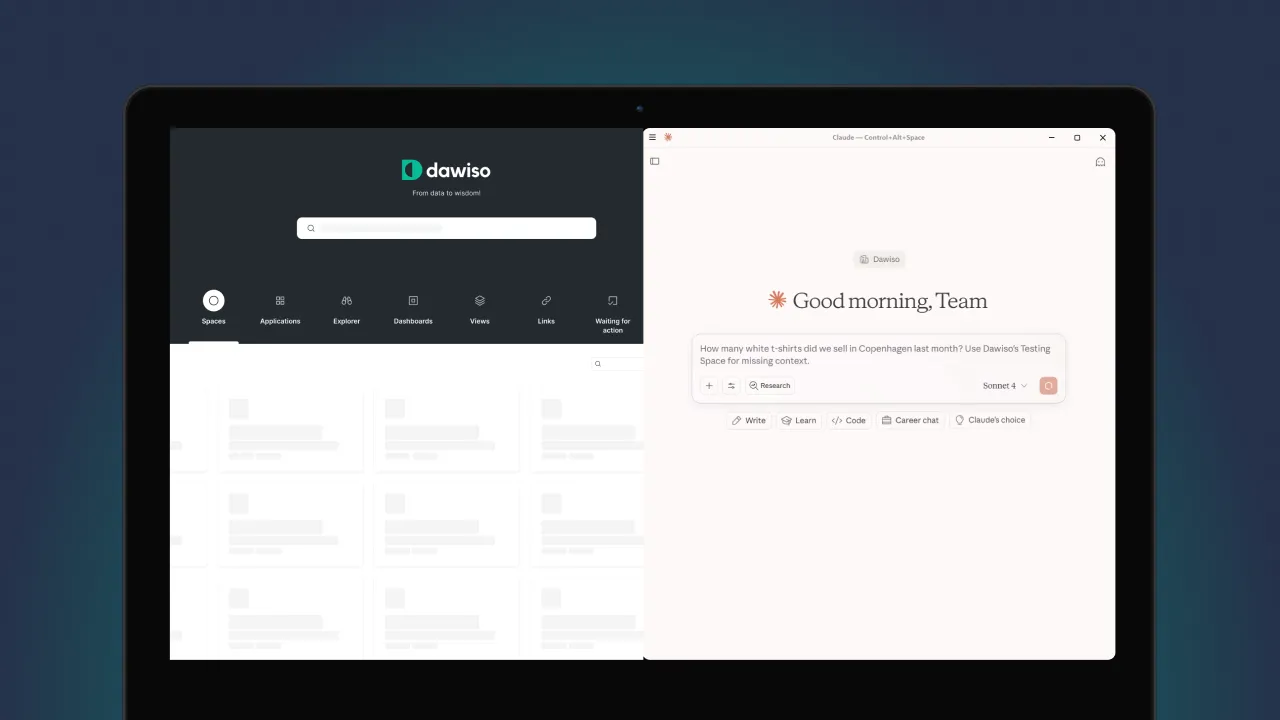
Quickly find your way through your data in Dawiso with clear structure and smart search. Navigate spaces, apps, and objects with ease or skip straight to what you need using our advanced search filters.

About this lesson

A catalog is only worth what people can find in it. Documentation that exists but cannot be located is indistinguishable from documentation that was never written, and that is how most governance programs quietly stall. Dawiso offers two ways through: browsing the hierarchy when you know roughly where something lives, and searching with filters when you only know what it is. Knowing which to reach for is the difference between a ten-second answer and giving up.

Who it is for. Every Dawiso user. This is the lesson that makes the rest of the platform usable day to day.

Points to cover

  • Get familiar with Dawiso's hierarchy system (spaces, apps, objects)
  • Use the search bar and contextual breadcrumbs
  • Explore advanced filtering by object type and location

What you will be able to do

  • Browse the space, app and object hierarchy to reach a known area
  • Search across the whole workspace and narrow results by object type and location
  • Use breadcrumbs to understand where a result sits and to move back up its context

Go deeper

See how search and discovery work across a full metadata estate rather than a single space. Data Catalog
A cookie a day keeps bad UX away.

We use cookies to personalize content, ads and to analyze our traffic. We also share information about your use of our site with our advertising and analytics partners who may combine it with other information that you've provided to them or that they've collected from your use of their services. By clicking "Accept All", you allow us to use cookies for analytics and ads via Google Tag Manager. You can also customize cookies.

Customize Consent Preferences

We use cookies to personalize content, ads and to analyze our traffic. We also share information about your use of our site with our advertising and analytics partners. Privacy Policy

Necessary cookies allow core website functionality such as user login and account management. The website cannot be used properly without strictly necessary cookies.

Functionality cookies are used to remember visitor information on the website, eg. language, timezone, enhanced content.

Analytics cookies are used to see how visitors use the website, eg. analytics cookies. Those cookies cannot be used to directly identify a certain visitor.

We use Microsoft Clarity to see how you use our website (including heatmaps and session replays) so we can improve it. By using our site, you agree that we and Microsoft can collect and use this data. See our Privacy Policy for details.

Advertisement cookies are used to identify visitors between different websites, eg. content partners, banner networks. Those cookies may be used by companies to build a profile of visitor interests or show relevant ads on other websites.